How to Organize Clothes You Want to Buy Online
September 1, 2026
The simplest way to organize clothes you want to buy online is to keep every item in one place instead of spread across screenshots, open tabs, carts, and notes. Save the product, not a screenshot of it, so you keep the image, price, and store together. Then review the list on your own schedule before you buy. That is the whole system, and the sections below make it practical.
Why the usual methods stop working
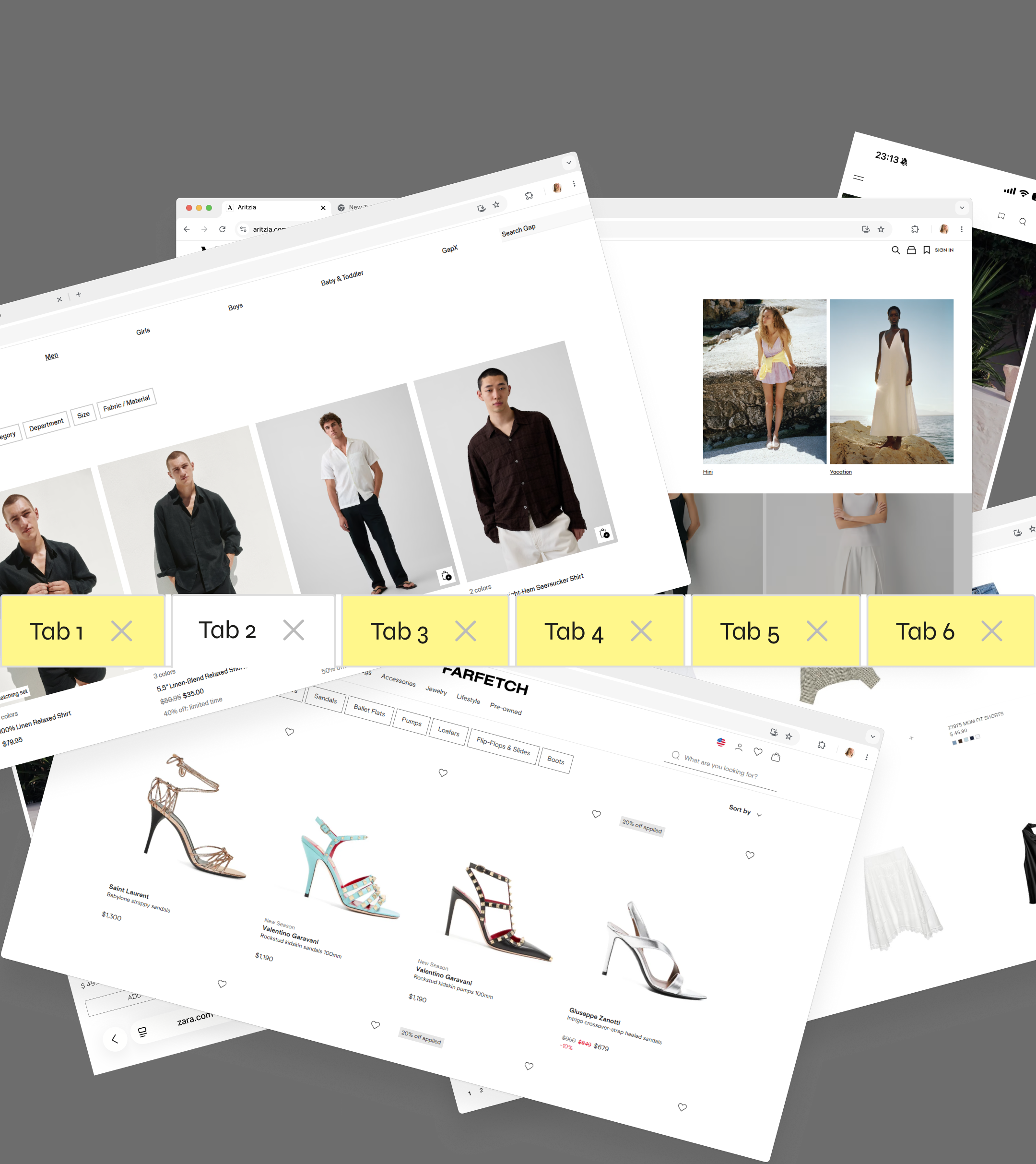
Most people save clothes four different ways at once: a screenshot here, a tab left open there, an item dropped in a cart, a link pasted into Notes. Each method holds part of the picture, and none of them holds all of it. Screenshots lose the link. Carts expire or get cleared. Tabs get closed when the browser restarts. The result is that you cannot see everything you are considering in one view, which makes it hard to compare options or remember what you actually wanted.
Step one: pick one place to save everything
Choose a single home for items you are considering. The point is that when you want to look at what you have saved, you go to one place, not five. A dedicated wishlist app works well here because it is built for exactly this, but the principle matters more than the tool: consolidate.
Step two: save the item, not a picture of it
A screenshot is a dead end. It cannot take you back to the product page, it does not update, and it does not tell you if the price changed. Saving the actual item keeps the link, the image, and the price together, so the saved version stays useful weeks later.
Step three: give your list light structure
You do not need an elaborate system. A little grouping goes a long way: by category, by season, or by how seriously you are considering each item. The goal is that when you open your list, you can find the thing you are thinking about without scrolling past everything else.
Step four: review before you buy, not while you browse
The reason to organize at all is to separate the moment you find something from the moment you decide on it. When everything you are considering sits in one place, you can come back with a clear head, see the full set of options, and choose what you actually want. That alone tends to cut down on forgotten items and impulse rebuys.
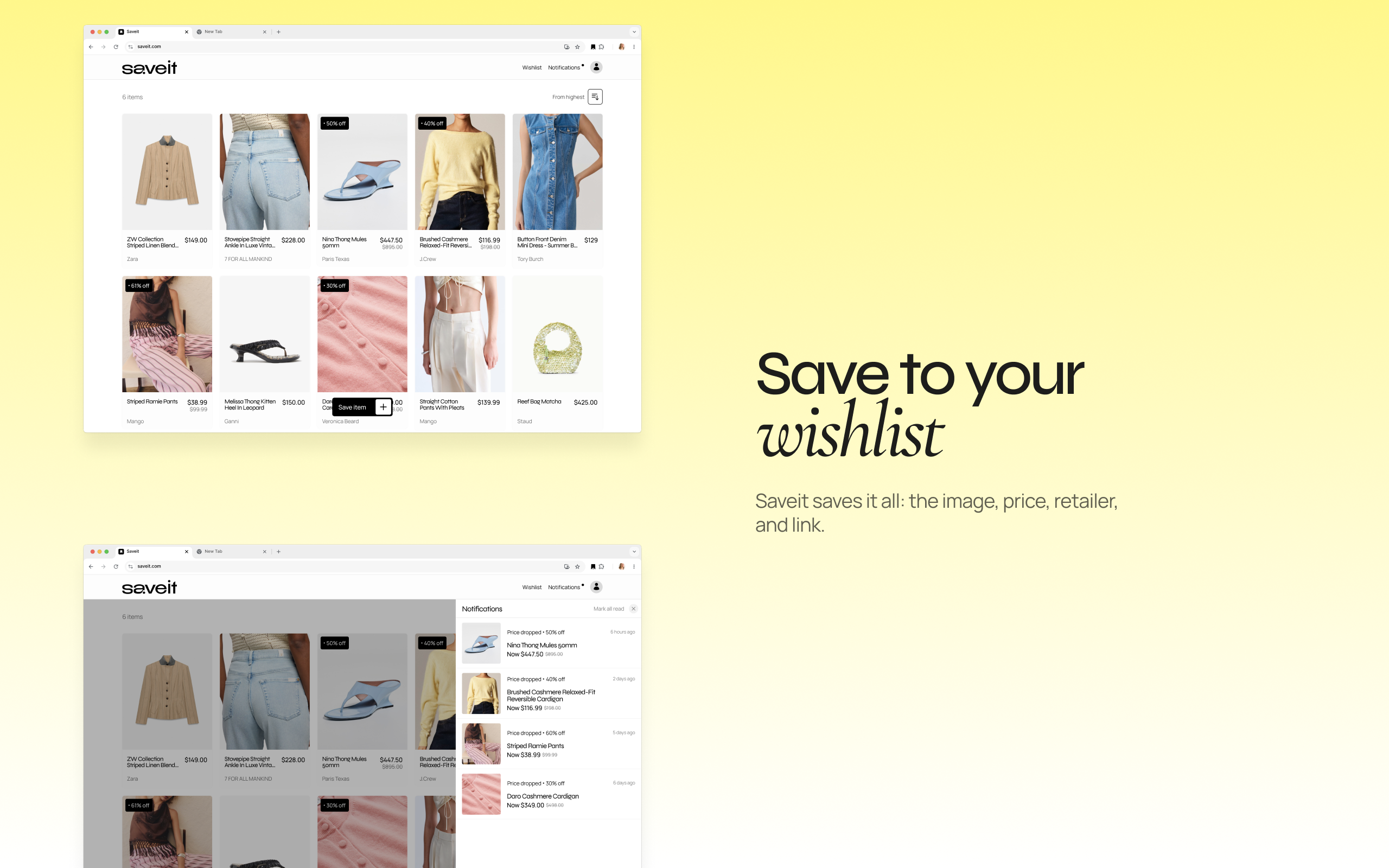
This is how Saveit is built to work. You save what you are considering from any store into one private list, the price keeps updating, and you decide on your own timeline. Save it. Decide later.
FAQ
What is the best way to keep track of clothes I want to buy? Keep them in one place, save the actual item rather than a screenshot, and review the list before buying instead of deciding in the moment.
How do I stop losing items I saved? Stop spreading saves across screenshots, tabs, and notes. Consolidating into one wishlist is the single biggest fix.
Should I use my shopping cart to save items for later? Carts are not reliable for this. They expire, get cleared, and only work store by store. A wishlist that spans any store is more dependable.